Cantilever Logo
    Home
    Features
    Blogs
    About Us
    Log In
    Preparation

    Building Autonomous AI Agents from Scratch: The 5-Stage Production Roadmap & Python Code

    11 min read
    Jul 12, 2026
    Building Autonomous AI Agents from Scratch: The 5-Stage Production Roadmap & Python Code

    Myth: Production AI Agents Are Just Wrapping an LLM in a Loop

    The notion that building a production AI agent is as simple as wrapping a Large Language Model (LLM) in a loop overlooks the complexities of real-world application. In reality, AI agents encounter a multitude of challenges that arise from the interaction between the agent and its environment, leading to a significant gap between theoretical capabilities and practical performance.

    The Complexity of AI Agent Failures

    One of the primary misconceptions about AI agents is that their failures are primarily due to the limitations of the LLMs themselves. However, research indicates that in production, AI agents fail on 63% of complex multi-step tasks, not due to model capability but due to interaction-level failure patterns between steps. These failures cluster into four categories: reasoning drift, tool calls failures, context window saturation, and goal misalignment.

    The Reality of Complex Orchestration

    The architecture of AI agents involves more than just the sequential calling of an LLM. It requires a sophisticated orchestration layer that can handle the nuances of each step, manage state, and make decisions based on the output of previous steps. This involves complex decision-making processes, including handling failures, adapting to changing conditions, and ensuring that the agent's goals align with the outcomes of its actions.

    Why 63% of Complex Multi-Step Tasks Fail in Production

    The failure rate of 63% for complex multi-step tasks in production environments highlights the need for a more nuanced understanding of AI agent capabilities. This failure rate is not due to the inherent limitations of LLMs but rather the challenges of deploying them in real-world scenarios. The interaction between the agent, the environment, and the task itself introduces a multitude of variables that can lead to failure.

    Moving Beyond the Loop

    To build effective AI agents, developers must move beyond the simplistic loop structure and focus on creating robust, adaptable, and reliable systems. This involves understanding the limitations of LLMs, designing for failure, and implementing sophisticated orchestration and control mechanisms. The myth that production AI agents are merely a matter of wrapping an LLM in a loop ignores the complexities and challenges of real-world applications. By acknowledging and addressing these challenges, developers can build more reliable and effective AI agents that can truly deliver value in production environments.

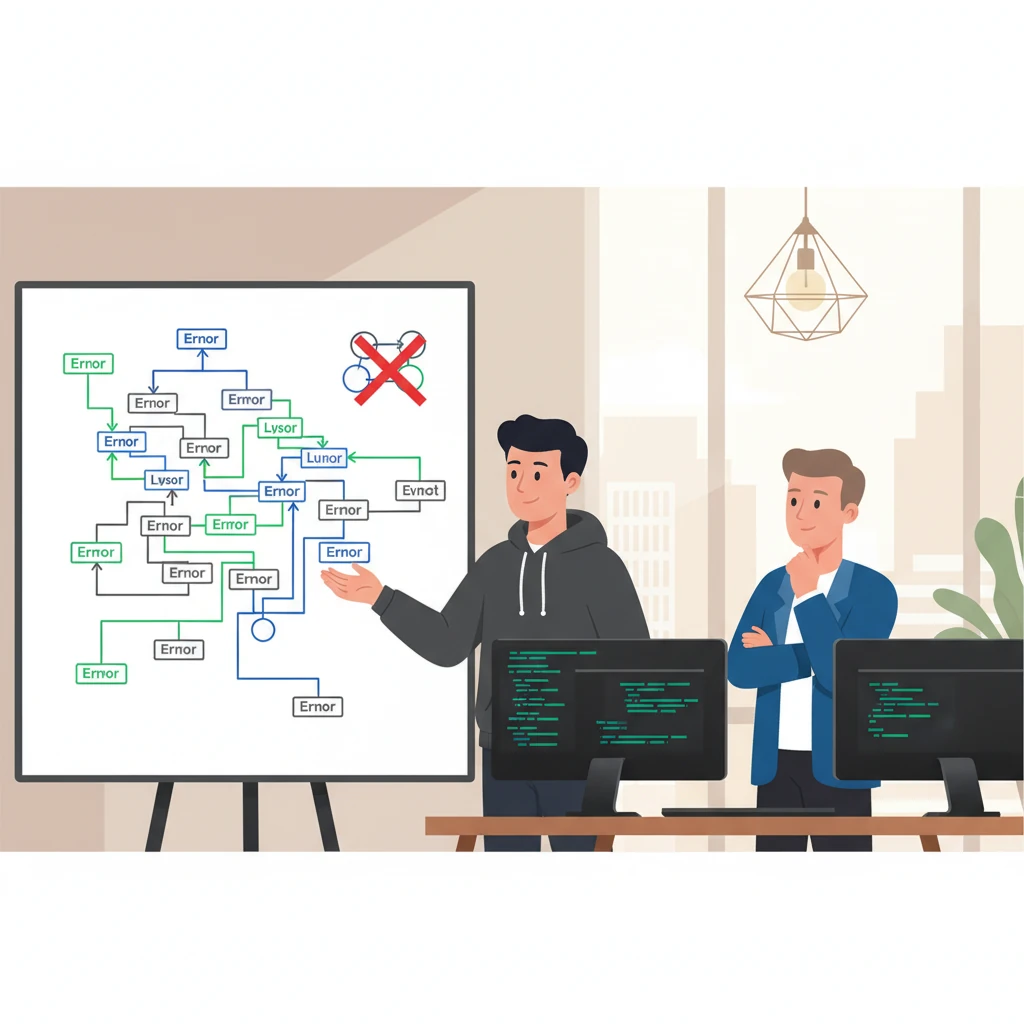
    A developer pointing at a whiteboard covered in a chaotic flowchart of error loops and branching logic, with a crossed-out simplistic 'LLM in a loop' diagram in the corner, while another developer watches. - illustration
    A developer pointing at a whiteboard covered in a chaotic flowchart of error loops and branching logic, with a crossed-out simplistic 'LLM in a loop' diagram in the corner, while another developer watches. - illustration

    Stage 1: Design the Inter-Agent Orchestration Layer

    When designing a multi-agent system, one of the critical components is the inter-agent orchestration layer. This layer is responsible for managing the interactions between agents, ensuring that the system operates efficiently, and providing observability into the decision-making process. In this section, we will explore how to design this layer using LangGraph, a powerful tool for building agent-based systems.

    LangGraph for Observability and Checkpointing

    LangGraph is a popular choice for building inter-agent orchestration layers due to its ability to provide observability and checkpointing. Observability is crucial in multi-agent systems, as it allows developers to understand the decision-making process of the agents and identify potential issues. Checkpointing, on the other hand, enables the system to recover from failures and ensure that the system state is consistent.

    Hybrid Approach: Orchestration Layer vs Custom Agent Loops

    Teams at major AI companies often adopt a hybrid approach where the inter-agent orchestration layer uses LangGraph (for observability and checkpointing), while each individual agent's reasoning loop—which includes tool selection, memory retrieval, and self-critique—is a fully custom implementation that simply returns the correct state delta back to the graph medium.com.

    State Schema Design and Team Ramp-up Overhead

    When designing the inter-agent orchestration layer, it's essential to consider the state schema and the team ramp-up overhead. A well-designed state schema can simplify the development process and reduce the overhead of team ramp-up. LangGraph provides a flexible and scalable way to design the state schema, making it easier to integrate with custom agent loops.

    Comparison of LangGraph and Plain Python State Machine

    To illustrate the benefits of using LangGraph, let's compare it with a plain Python state machine.

    Code Example

    Here's an example code snippet that demonstrates how to use LangGraph to design an inter-agent orchestration layer:

    python
    from typing import TypedDict
    from langgraph.graph import StateGraph, START, END
    
    # Define the state
    class State(TypedDict):
        message: str
    
    # Define nodes
    def node1(state: State):
        return {"message": state["message"] + " -> node1"}
    
    def node2(state: State):
        return {"message": state["message"] + " -> node2"}
    
    # Build the graph
    builder = StateGraph(State)
    builder.add_node("node1", node1)
    builder.add_node("node2", node2)
    
    # Define edges
    builder.add_edge(START, "node1")
    builder.add_edge("node1", "node2")
    builder.add_edge("node2", END)
    
    # Compile the graph
    graph = builder.compile()
    Note:This code snippet demonstrates how to define a simple LangGraph workflow using a typed state schema, nodes, edges, and graph compilation.

    Stage 2: Build Custom Agent Reasoning Loops for Tool Selection and Memory

    When building autonomous AI agents, a critical component is the reasoning loop that enables tool selection and memory retrieval. This loop allows the agent to make informed decisions about which tools to use and when, and to retain relevant information for future use.

    Custom Implementation of Reasoning Loop

    While external frameworks like LangChain and BeeAI are available, a significant majority of production teams opt for custom in-house implementations. According to a study, only 3 out of 20 detailed case studies relied on external agent frameworks, with the remaining 17 teams (85%) building their agent applications entirely in-house with direct model API calls arxiv.org. This preference for custom implementations is likely due to the need for tailored solutions that meet specific use cases and requirements.

    Tool Selection and Memory Retrieval

    A key aspect of the reasoning loop is tool selection, which involves choosing the most suitable tool for a given task. This requires a deep understanding of the task requirements, the capabilities of each tool, and the potential trade-offs. For example, a tool may be highly accurate but computationally expensive, while another tool may be faster but less accurate. The reasoning loop must weigh these factors and make an informed decision.

    In addition to tool selection, memory retrieval is also a critical component of the reasoning loop. This involves storing and retrieving relevant information to inform future decisions. A well-designed memory mechanism can significantly improve the agent's performance and efficiency.

    Self-Critique and Improvement

    A key benefit of custom implementations is the ability to incorporate self-critique and improvement mechanisms. By monitoring performance and identifying areas for improvement, teams can refine their reasoning loops and optimize tool selection and memory retrieval.

    Example Code

    To illustrate the concept of a custom reasoning loop, consider the following Python implementation:

    python
    import numpy as np
    
    class ReasoningLoop:
        def __init__(self, tools, memory):
            self.tools = tools
            self.memory = memory
    
        def select_tool(self, task):
            tool_scores = []
            for tool in self.tools:
                score = self.evaluate_tool(tool, task)
                tool_scores.append((tool, score))
            selected_tool = max(tool_scores, key=lambda x: x[1])[0]
            return selected_tool
    
        def evaluate_tool(self, tool, task):
            # Score tool suitability for the task
            return np.random.rand()
    
        def retrieve_memory(self, query):
            return self.memory.get(query)
    
        def update_memory(self, key, value):
            self.memory[key] = value
    
    # Initialize and execute reasoning loop
    tools = ["web_search", "sql_query", "calculator"]
    memory = {}
    reasoning_loop = ReasoningLoop(tools, memory)
    selected_tool = reasoning_loop.select_tool("Find Q3 revenue metrics")
    memory_value = reasoning_loop.retrieve_memory("previous_context")

    This example illustrates a basic reasoning loop that selects a tool based on suitability scores and retrieves memory based on a query. In a real-world production implementation, the reasoning loop incorporates uncertainty thresholds, structured tool schemas, and self-critique verification.

    By building custom agent reasoning loops, teams can create tailored solutions that meet their specific needs and improve the performance and efficiency of their autonomous AI agents.

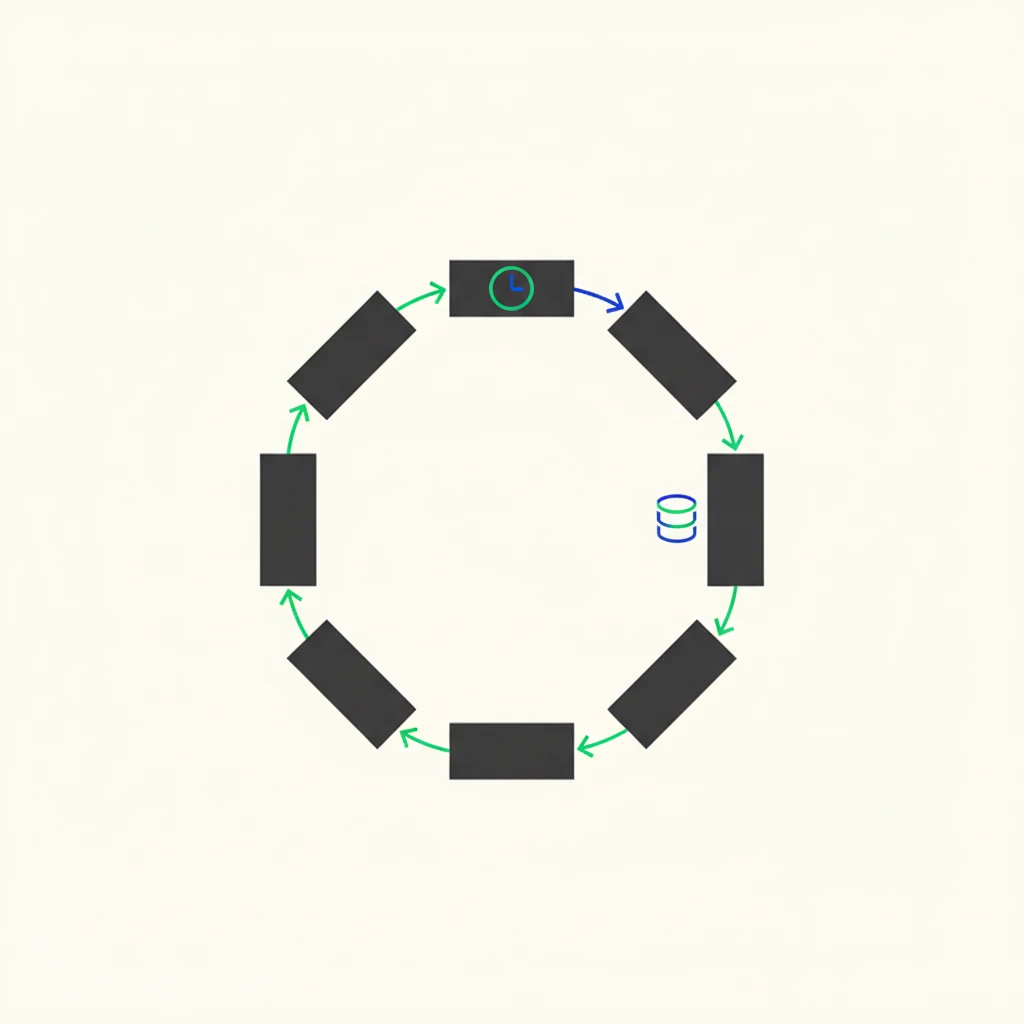
    A clean 2D flow diagram with labeled nodes: 'Perception', 'Memory Retrieval', 'Tool Selection', 'Reasoning', and 'Action', connected by arrows forming a loop, with a small clock icon near 'Reasoning' and a database icon near 'Memory Retrieval'. - illustration
    A clean 2D flow diagram with labeled nodes: 'Perception', 'Memory Retrieval', 'Tool Selection', 'Reasoning', and 'Action', connected by arrows forming a loop, with a small clock icon near 'Reasoning' and a database icon near 'Memory Retrieval'. - illustration

    Stage 3: Quantify and Mitigate Per-Step Reliability Failures

    When designing autonomous AI agents, it's crucial to understand the impact of per-step reliability on the overall success rate of complex workflows. A 20-step workflow with 95% per-step reliability succeeds only about 36% of the time overall, while 99% per-step reliability yields about 82% end-to-end success.

    Per-Step Reliability Math

    To quantify the impact of per-step reliability, consider a workflow with n steps, each with a reliability of r. The overall success rate S can be calculated as:

    S = r^n

    For instance, a 20-step workflow with 95% per-step reliability:

    S = 0.95^20 ≈ 0.358

    This means that only 35.8% of workflows will succeed.

    Four Failure Categories

    There are four primary categories of failures in autonomous AI agents:

    • Reasoning Drift: The agent's decision-making process deviates from its intended goal.
    • Tool Call Failures: The agent fails to execute a tool or function correctly.
    • Context Saturation: The agent becomes overwhelmed by the context, leading to errors.
    • Goal Misalignment: The agent's objectives become misaligned with the intended goal.

    Success Rate Decay

    Step Count95% Reliability97% Reliability99% Reliability
    50.7740.8590.951
    100.5980.7370.904
    200.3580.5430.818

    As the step count increases, the success rate decays rapidly, especially at lower per-step reliability levels. This highlights the importance of achieving high per-step reliability, especially in complex workflows.

    By understanding the per-step reliability math and the four failure categories, you can design more robust autonomous AI agents that mitigate reliability failures and achieve higher overall success rates.

    Stage 4: Set Loop Limits and Latency Budgets for Production

    When deploying AI agents, establishing loop limits is crucial to prevent endless loops, control costs, and manage token usage. A straightforward approach is to set a maximum number of loop iterations. Alternatively, loops can be designed to terminate when a specific condition is met, such as when the model achieves a certain confidence threshold in its response.

    Loop Iteration Limits

    Setting a maximum number of loop iterations directly impacts latency, costs, and token usage. For instance, IBM suggests that establishing such limits can prevent endless loops in ReAct agents. This approach ensures that the agent does not consume excessive resources.

    Latency Targets

    Latency requirements vary significantly across deployments. Interestingly, minutes are the most common target for maximum allowable end-to-end latency. This is followed by seconds, indicating that many deployments prioritize low latency. However, a notable 17.0% of deployments report no defined latency limit arxiv.org. This lack of a defined limit could lead to unforeseen latency issues in production.

    Cost and Token Usage Control Strategies

    To manage costs and token usage, developers can implement strategies such as:

    • Setting a cap on the number of tokens or API calls
    • Implementing early termination conditions based on confidence thresholds
    • Monitoring and adjusting loop limits based on real-world performance data

    By carefully setting loop limits and latency budgets, developers can ensure that their AI agents operate efficiently and effectively in production environments. This balance between performance and resource utilization is critical for scalable and reliable AI deployments.

    Stage 5: Validate with Benchmarks and Avoid Framework Pitfalls

    When evaluating the effectiveness of open-source agent frameworks, it's essential to consider their task completion rates and potential pitfalls. A study on three open-source agent frameworks with two LLM backbones found that they achieved a task completion rate of approximately 50% arxiv.org. The primary causes of failure include improper task planning, generation of nonfunctional code, and inadequate refinement strategies across iterations.

    To contextualize these findings, consider the reliability numbers and framework adoption stats. For instance, the first LangGraph deployment overhead is 3-4 weeks compared to an equivalent plain Python state machine, with most of that time spent on state schema design and team ramp-up kalviumlabs.ai.

    Knowledge Check

    What is the approximate task completion rate of open-source agent frameworks, and what are the primary causes of failure?

    Frequently Asked Questions

    Why is wrapping an LLM in a loop not enough for production AI agents?

    Production agents fail on 63% of complex multi-step tasks due to interaction-level failure patterns—not raw model capability. These failures cluster into reasoning drift, tool call failures, context window saturation, and goal misalignment. A simple loop lacks the orchestration, checkpointing, and reliability controls needed to catch and recover from these per-step failures before they compound into end-to-end failure.

    How much does using LangGraph for orchestration actually cost in development overhead?

    On a team’s first LangGraph deployment, expect 3–4 weeks of extra overhead compared to an equivalent plain Python state machine, mostly front-loaded in state schema design and team ramp-up. If the team has shipped LangGraph agents before, that overhead drops to roughly 1 week. Many production teams still prefer custom in-house implementations—85% of detailed case studies rely on direct model API calls rather than external agent frameworks.

    What per-step reliability do I need for a multi-step agent to succeed in production?

    A 20-step workflow with 95% per-step reliability succeeds only 36% of the time overall; even 99% per-step reliability yields just 82% end-to-end success. Real-world agents on complex tasks have per-step error rates closer to 10–20%, so you must quantify and mitigate failures at each step. In practice, this means adding self-critique, tool-call validation, and context management to keep per-step reliability as close to 99% as possible.

    How should I set loop limits and latency budgets for a production ReAct agent?

    Set a maximum number of loop iterations to prevent endless loops, control costs, and cap token usage—or terminate the loop when the model produces a final answer above a confidence threshold. Latency requirements are often relaxed: minutes is the most common maximum end-to-end latency target, followed by seconds, while 17% of deployments have no defined limit yet. Always align loop limits with your latency budget and cost constraints before deploying.

    Table of Contents

    • 1. Myth: Production AI Agents Are Just Wrapping an LLM in a Loop
    • 2. Stage 1: Design the Inter-Agent Orchestration Layer
    • 3. Stage 2: Build Custom Agent Reasoning Loops for Tool Selection and Memory
    • 4. Stage 3: Quantify and Mitigate Per-Step Reliability Failures
    • 5. Stage 4: Set Loop Limits and Latency Budgets for Production
    • 6. Stage 5: Validate with Benchmarks and Avoid Framework Pitfalls
    • 7. Frequently Asked Questions
    Build ATS Friendly Resume
    Check Resume ATS Score
    Industry Level Projects
    Interview Playbook
    Dream Company Track

    Build ATS Friendly Resume

    Use our AI Resume builder to tailor your resume with 10+ ATS Friendly templates.

    Check Resume ATS Score

    Find and fix hidden issues and gaps instantly to make sure your resume survives recruiter filters.

    Industry Level Projects

    Explore a curated project library personalized to your role and resume to bridge skills gap.

    Interview Playbook

    Master your preparation with our famous frameworks to prepare for your next interview.

    Dream Company Track

    Follow a step-by-step prep roadmap tailored around the hiring process of your target company.

    Keep Reading

    View all
    LLM Evals or Unit Tests? — Why Your CI Pipeline Is Lying
    01
    Preparation

    LLM Evals or Unit Tests? — Why Your CI Pipeline Is Lying

    Discover why treating LLM evaluations like unit tests creates false security in CI/CD pipelines. Learn regression-testing discipline and metric validation...

    12 min read•Preparation Module
    How a GraphQL Resolver Fetches Data Under the Hood
    02
    Preparation

    How a GraphQL Resolver Fetches Data Under the Hood

    Understand how GraphQL resolvers fetch data, the N+1 problem's real impact, and how DataLoader with batching and caching solves it in production.

    12 min read•Preparation Module
    RAG or Fine-Tune — The Real Skill That Gets You Hired
    03
    Preparation

    RAG or Fine-Tune — The Real Skill That Gets You Hired

    RAG or fine-tune? The real skill that gets you hired is understanding both. This myth-buster reveals demand data, accuracy benchmarks, and cost insights for...

    11 min read•Preparation Module
    4th Floor, Bizness Square, Opp. Hitex Charminar, Hitec City, Hyderabad - 500081
    (684) 555-0102
    Site Map
    Home
    About Us
    Features
    Blogs
    Others
    Privacy Policy
    Terms and Conditions
    Careers
    Media Coverage
    Subscribe to get latest updates
    Follow us on:
    ©2026 Cantilever Labs Pvt. Ltd. | info@cantileverlabs.com